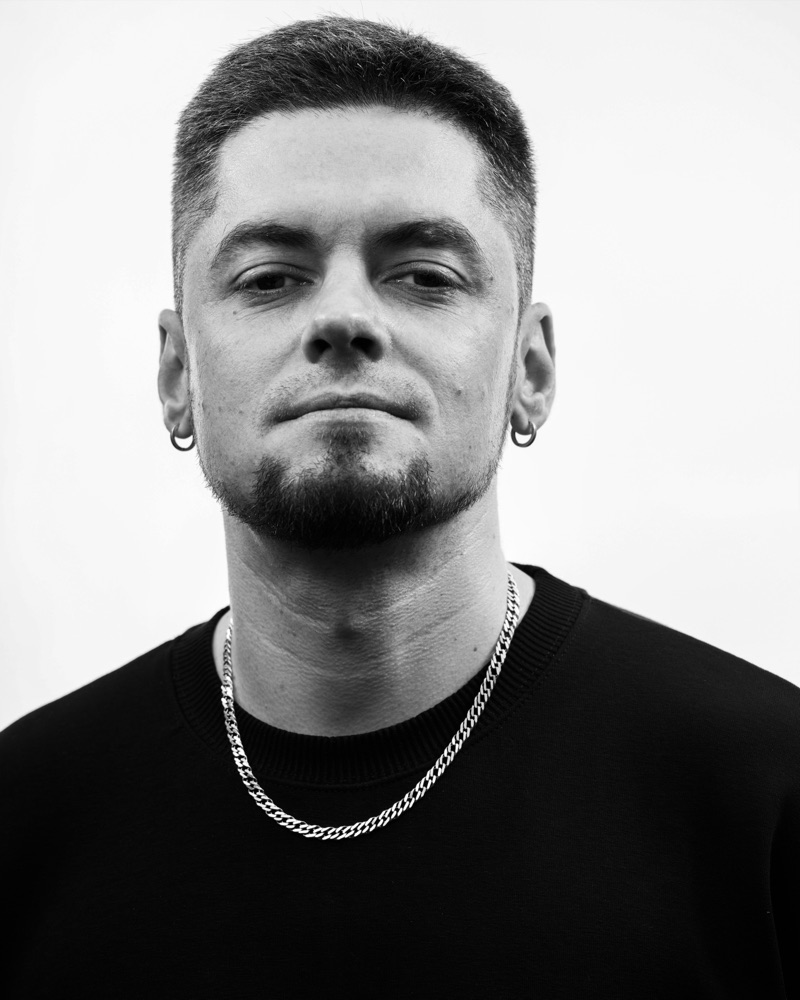
Silat Beksi (UA)
Producer, DJ, Educator
Quote to come, in their own words.
Audio-reactive particle visuals that run live in your browser. Nothing to learn — start playing instantly.
unique visuals for your tracks & DJ sets
them online or at the venue
high-quality videos & images for your promo
your releases and sets with visuals that fit your taste
Curated particles, inspired by nature, culture and dreams. We give them a 3D world to live and flourish in. No boring generic loops, no AI slop — each style carries many unique looks.
We produce new visuals every single month. These are just a few — check every style inside the visualiser.
Discover every styleWe love this industry, and mutual support has never mattered more. So we would rather talk about you than about us — your name on it, your links beside it.
Quote to come, in their own words.
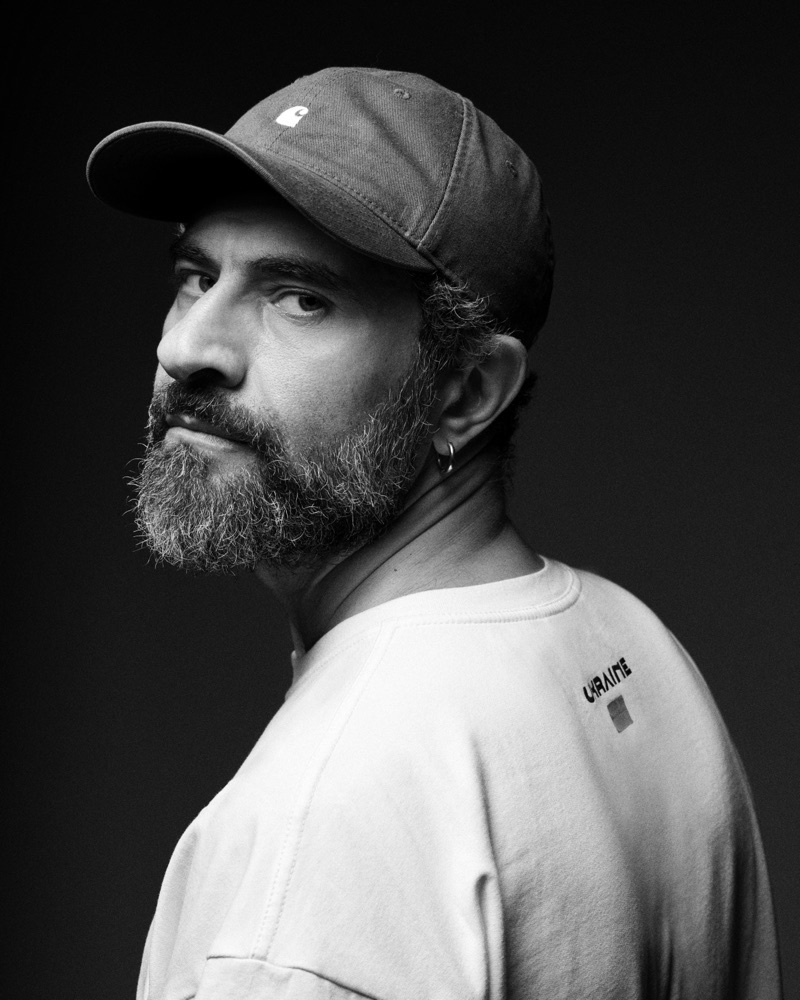
Quote to come, in their own words.
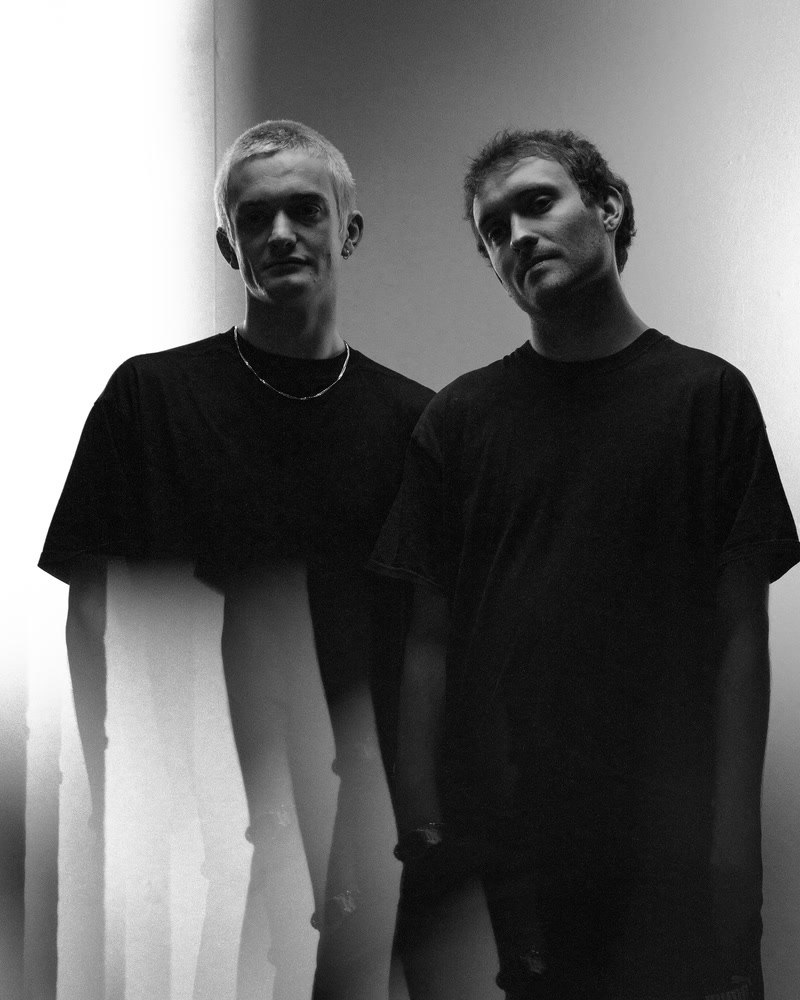
Quote to come, in their own words.
Here could be your name, your words and your links. Make something with us and this card is yours. Get in touch →
Artists of any kind — producers, DJs, photographers, filmmakers. Send us a quick note with a link to your work, and we will find creative ways to support each other.
Actually useful
Besides having fun, you can use your unique visuals as promotional content: videos, photos and whole sets.
Our visuals have actual depth. Move around the space, find cool angles and save them as presets.
Type your artist name, a track or an event, and the particles form the letters.
Upload a photo and the particles turn into it. Put the whole lineup in one video.
Freeze any moment as a photo, crop it for a story, a square post or a printed poster, and export it in high resolution.
Your DJ sets and release snippets export in full quality, with every frame in them. A normal screen recording loses frames the moment the machine struggles. Our exports don’t care: we focus on quality.
For those who read the spec sheet first.
Chrome or Edge. Nothing to install.
Track file, mic, any input, or system sound with no driver.
Full screen on a projector or display.
Every frame rendered. 20, 40 or 80 Mbps.
Freeze a moment, crop it, save it.
Your content, turned into particles.
Save, import, export. Synced to your account.
Real 3D, on your graphics card.
Curl Flow inside Ableton Live as a device, and inside other DAWs as a plugin. We are already building it.
More things than we can list here. These are four of them.
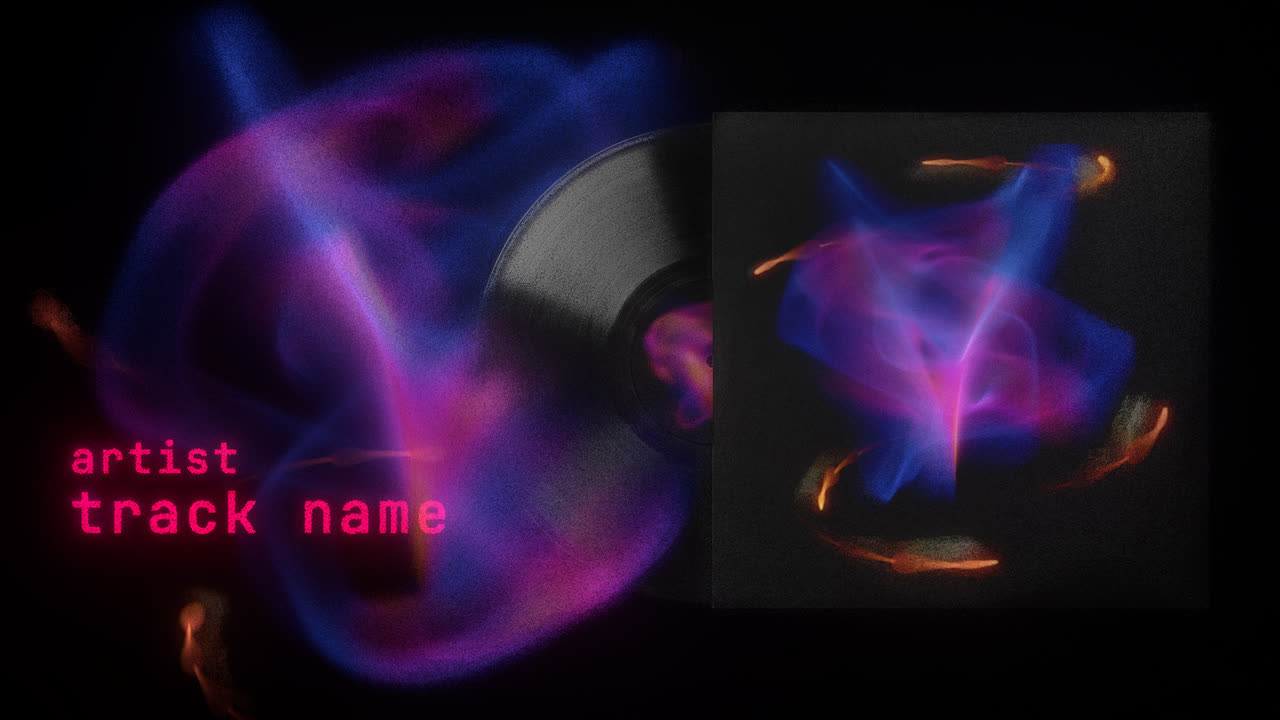
The video art that goes out with your release. Drop in the master, find a look that belongs to that track, add text and record it in any size.
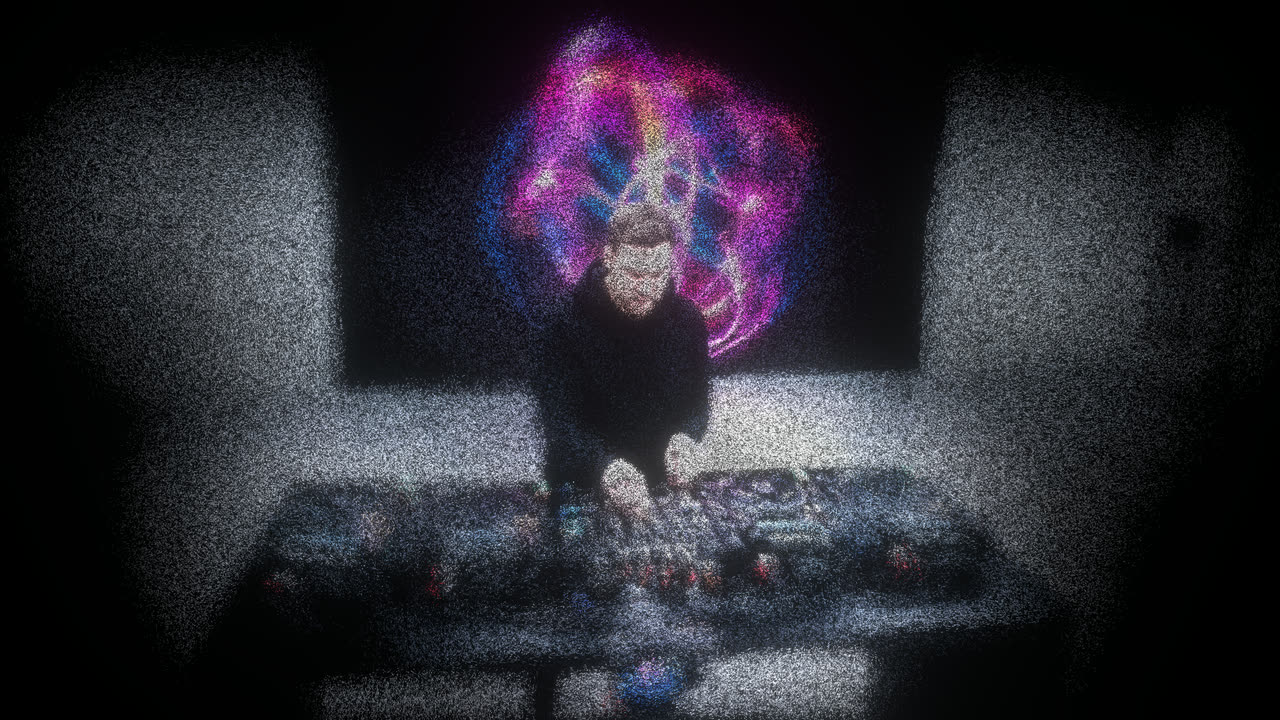
Visuals that accompany your storytelling. Record your sets straight from the mixer, with the particles dancing along, into a finished full-quality video file.
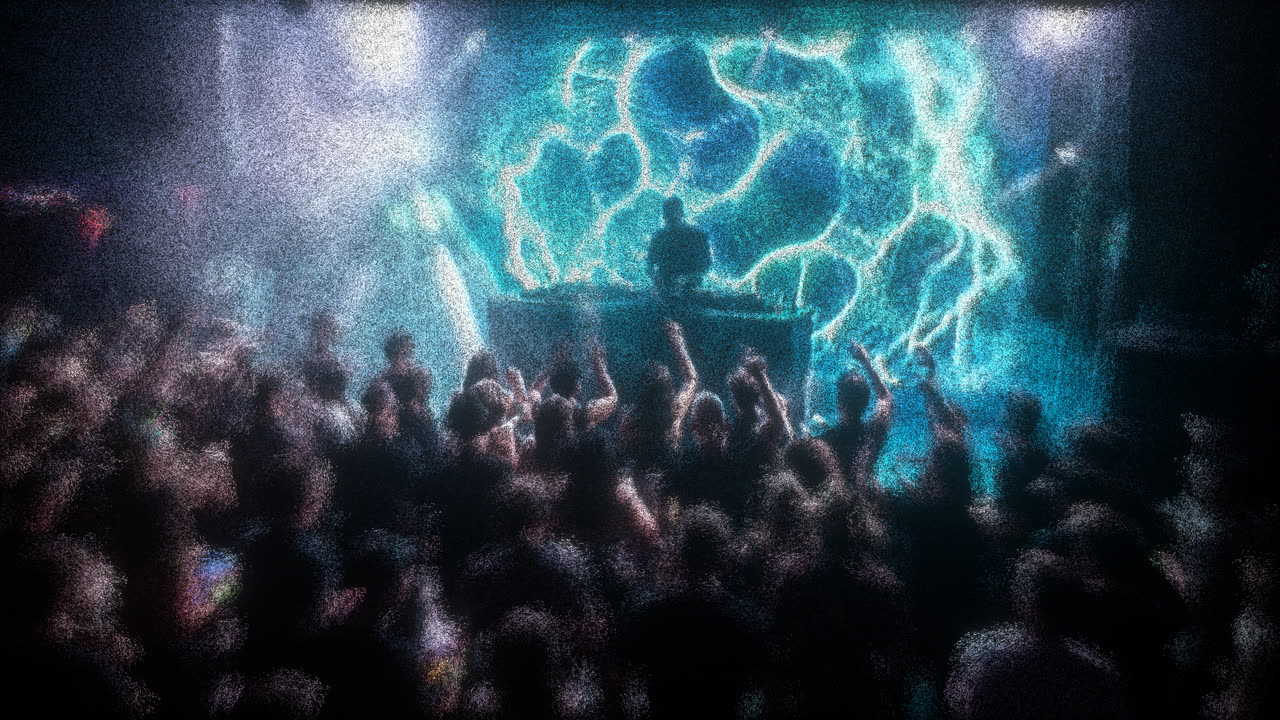
The screen behind the booth needs unique visuals that fit your event’s style. Play with the particles live during sets and add the artists’ names, without being a pro VJ.
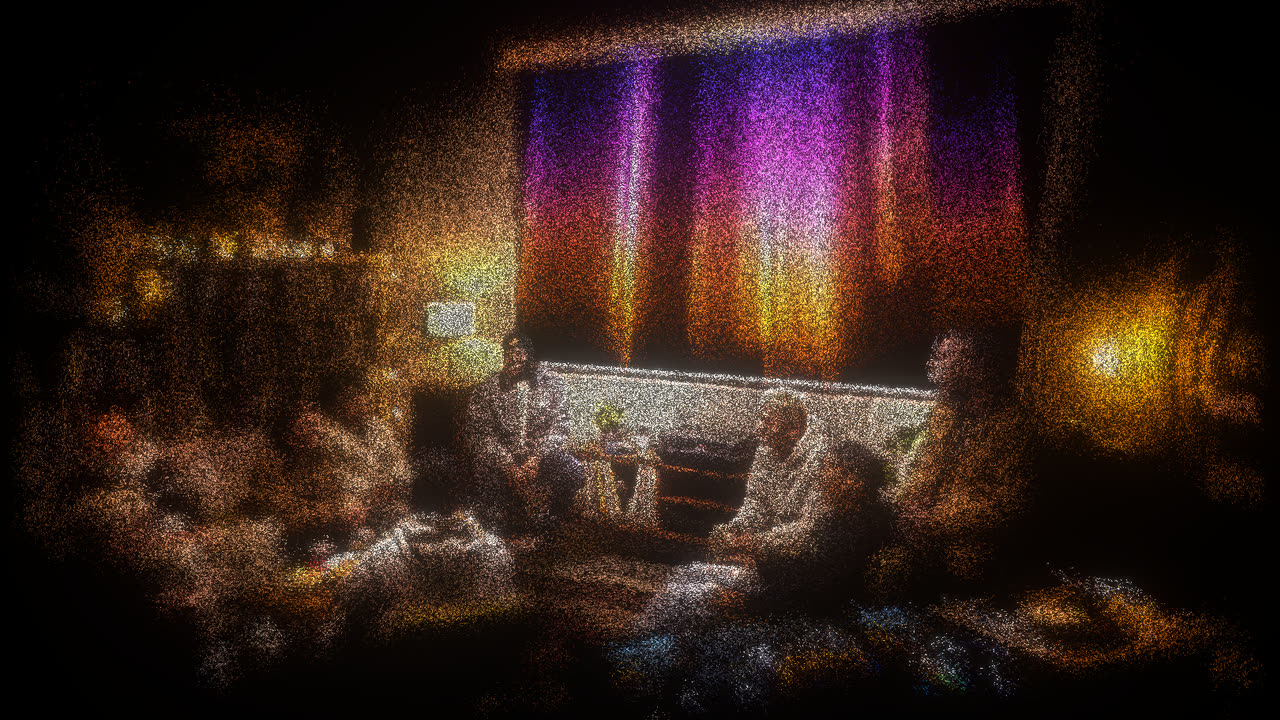
A hangout with friends, the afters, or just a nice backdrop while you work. A browser tab and whatever is coming out of the speakers is the entire rig.
Open it and drag the sliders. There is nothing to learn.
Then push the sliders around until it is yours. Every combination is a different look.
Upload your track, or use any input you like: your mixer, a mic, Spotify, YouTube, whatever is already playing.
Send your visuals to a second screen for the venue or your stream, and record while it runs.
Render your recorded takes in the aspect ratio and quality you need. Easy.
Soundcheck is free. Headliner is the same app with the limits off, and there are two ways to pay for it.
Everything in Soundcheck, plus:
Same Pro either way. Pick the one that suits you. Prices include VAT.
Cancel anytime
Got a gig, release or event? Grab a month, use the visuals, create your promo content, cancel. No hard feelings.Get a month · €4
Pay once, never subscribe
For those who love it and believe in where it’s going. Pay once, never subscribe.Own it · €29
No card to startSoundcheck needs an account, and nothing else.
Monthly: cancel anytimeGrab a month when you need it. No hard feelings.
Forever: pay onceNever a subscription, and every update is included.
Our styles hold many different looks. Find one you like and share it with the community. Much more to come — we are on it!
The questions people ask before they open it, laid out as a tracklist.
Yes. Soundcheck is free, with an account: no card, no trial clock. You get 9 styles, the second screen, unlimited presets, snapshots, and 1080p recordings of up to a minute, with a watermark. Headliner adds the Pro styles and takes the limits off, for €4 a month or €29 once.
Not yet: Curl Flow is desktop only. The picture is drawn live by the graphics card, up to one and a half million particles at once, and it comes with dozens of sliders beside it. On a phone or a tablet they end up covering the very thing they control. Open curlflow.eu on your laptop or desktop.
A Mac or a PC and a browser: Chrome, Edge or Arc, or Safari on an up-to-date Mac. There is nothing to download, nothing to update and nothing to uninstall afterwards. It runs in a tab, on your own graphics card.
Not to look around. The styles, the sliders and the audio work the moment the page opens. You need a free account to save a preset, take a snapshot or record a video.
Any sound your computer can hear. Drop in a track, take the feed from your mixer, open the mic, or use whatever is already playing — Spotify, YouTube, anything — as system sound in Chrome or Edge, with no extra driver.
Yes. Send it full screen to a second display — a projector, the screen behind the booth — take the audio straight from the mixer, and let it run all night. It moves with what you are playing, not with a timer, and you can keep changing the look while it runs.
Video: 1080p MP4, up to a minute on Soundcheck and as long as you like on Headliner, at 20, 40 or 80 Mbps, in 9:16, 1:1, 16:9 or 4:5. And stills: freeze any moment and export it as a high-resolution photo, cropped for a story, a post or a poster.
Your name, yes, on any plan: type it, or a track or an event, and the particles form the letters. Your own photos and logos, drawn in particles, come with Headliner.
Yes. Everything you make with Curl Flow is yours: release it, sell it, put it in a client’s campaign, monetise it on any platform. No licence, no revenue share, no credit needed. That holds on Soundcheck too; the watermark is a mark on the picture, not a claim on it.
No. The sound is analysed and every frame is drawn on your own computer, and the finished file lands in your downloads. Your tracks and your videos never leave your machine.
Not yet, but it is coming. We are building a Max for Live device for Ableton Live and a VST3 plugin for other DAWs, so the visuals can live inside the session you are already working in.
We needed something to put behind our own tracks and our own nights, and we were tired of the same bouncing waveforms. So we built this: something that actually accompanies your sound the way it deserves, and a community that supports the artists behind it. It turned out well enough to share. <3